Skip to content
Windows 11 Field Guide
Menu

Topics

Windows 11 graphics and display

Graphics drivers, resolution, scaling, refresh rate, HDR and multiple monitors on Windows 11, plus fixes for black screens and flicker.

Graphics and display Windows 11 Black Screen: Fixes at Startup and After Sign-In Fix a Windows 11 black screen: wake the display, restart Explorer, roll back the graphics driver in safe mode, undo a bad update and spot hardware faults. October 14, 2026
Graphics and display Windows 11 External Monitor Not Detected: 9 Fixes That Work Windows 11 external monitor not detected? Check Win+P and the input, use Detect in display settings, test cables, docks and USB-C, then fix the graphics driver. October 14, 2026
Graphics and display Windows 11 Screen Flickering: Find the Cause and Fix It Fix Windows 11 screen flickering: the Task Manager test, refresh rate and brightness settings, cables, graphics driver rollback and apps that cause the flicker. October 14, 2026
Graphics and display AMD Drivers on Windows 11: How to Set It Up and Use It AMD Drivers on Windows 11: quick display checks, getting the right graphics driver, rolling back bad drivers and per-app graphics settings in Windows 11. October 13, 2026
Graphics and display Windows 11 Auto HDR for Games: A Short Practical Guide Windows 11 Auto HDR for Games: quick display checks, getting the right graphics driver, rolling back bad drivers and per-app graphics settings in Windows 11. October 13, 2026
Graphics and display Fix Blurry Apps on Windows 11: A Short Practical Guide Fix Blurry Apps on Windows 11: quick display checks, getting the right graphics driver, rolling back bad drivers and per-app graphics settings in Windows 11. October 13, 2026
Graphics and display Windows 11 Color Profile Calibration: A Quick Guide Windows 11 Color Profile Calibration: quick checks, the right driver source and display settings to review on a Windows 11 PC. Updated for 24H2. October 13, 2026
Graphics and display DirectX on Windows 11: What It Is and How to Set It Up DirectX on Windows 11: quick display checks, getting the right graphics driver, rolling back bad drivers and per-app graphics settings in Windows 11. October 13, 2026
Graphics and display Windows 11 DirectStorage: How It Works and How to Use It Windows 11 DirectStorage: quick display checks, getting the right graphics driver, rolling back bad drivers and per-app graphics settings in Windows 11. October 13, 2026
Graphics and display Windows 11 Display Scaling Fix: A Short Practical Guide Windows 11 Display Scaling Fix: quick display checks, getting the right graphics driver, rolling back bad drivers and per-app graphics settings in Windows 11. October 13, 2026
Graphics and display TDR / Display Driver Stopped Responding for Windows 11 TDR / Display Driver Stopped Responding: quick checks, the right driver source and display settings to review on a Windows 11 PC. Updated for 24H2. October 13, 2026
Graphics and display GPU Hardware Acceleration Windows 11: A Quick Guide GPU Hardware Acceleration Windows 11: quick checks, the right driver source and display settings to review on a Windows 11 PC. Updated for 24H2. October 13, 2026
Graphics and display Windows 11 Graphics Drivers: Update, Reinstall, Roll Back Update Windows 11 graphics drivers safely: Windows Update optional updates, Device Manager, NVIDIA, AMD or Intel downloads, and how to roll a bad driver back. October 13, 2026
Graphics and display Monitor GPU Temperature on Windows 11: A Quick Guide Monitor GPU Temperature on Windows 11: quick checks, the right driver source and display settings to review on a Windows 11 PC. Updated for 24H2. October 13, 2026
Graphics and display Graphics Performance Preference per App for Windows 11 Graphics Performance Preference per App: quick checks, the right driver source and display settings to review on a Windows 11 PC. Updated for 24H2. October 13, 2026
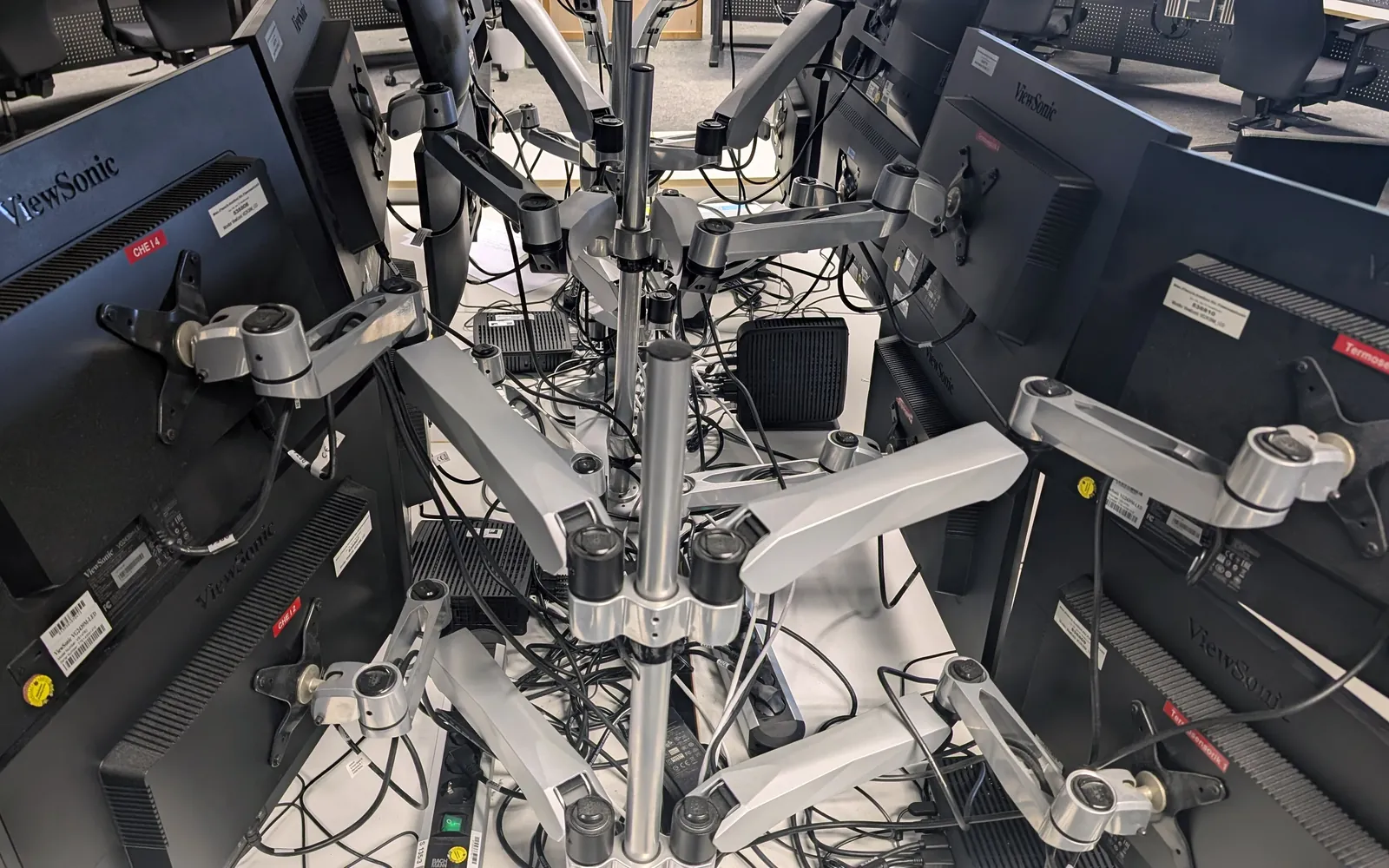
Rows of monitors on adjustable arms in a control room
Graphics and display Windows 11 Graphics: Drivers, Display Settings and Fixes Windows 11 graphics explained: GPU drivers, resolution, scale, refresh rate, HDR, per-app GPU choice, GPU scheduling, black screens and multiple monitors. October 13, 2026
Graphics and display Hardware-Accelerated GPU Scheduling on Windows 11: Guide Hardware-Accelerated GPU Scheduling: quick checks, the right driver source and display settings to review on a Windows 11 PC. Updated for 24H2. October 13, 2026
Graphics and display Windows 11 HDR Settings: How It Works and How to Use It Windows 11 HDR Settings: quick display checks, getting the right graphics driver, rolling back bad drivers and per-app graphics settings in Windows 11. October 13, 2026
Graphics and display Intel Arc / UHD Drivers on Windows 11: A Quick Guide Intel Arc / UHD Drivers on Windows 11: quick checks, the right driver source and display settings to review on a Windows 11 PC. Updated for 24H2. October 13, 2026
Graphics and display EGPU on Windows 11: What It Is and How to Set It Up EGPU on Windows 11: quick display checks, getting the right graphics driver, rolling back bad drivers and per-app graphics settings in Windows 11. October 13, 2026
Graphics and display Low FPS Fix on Windows 11: How to Set It Up and Use It Low FPS Fix on Windows 11: quick display checks, getting the right graphics driver, rolling back bad drivers and per-app graphics settings in Windows 11. October 13, 2026
Graphics and display Windows 11 Multiple Monitors: Setup, Layout and Taskbar Set up Windows 11 multiple monitors: identify and arrange screens, pick a main display, use Win+P modes, show the taskbar everywhere and keep windows in place. October 13, 2026
Graphics and display Windows 11 Night Light: What It Is and How to Set It Up Windows 11 Night Light: quick display checks, getting the right graphics driver, rolling back bad drivers and per-app graphics settings in Windows 11. October 13, 2026
Graphics and display NVIDIA Drivers on Windows 11: A Short Practical Guide NVIDIA Drivers on Windows 11: quick display checks, getting the right graphics driver, rolling back bad drivers and per-app graphics settings in Windows 11. October 13, 2026
Graphics and display OpenGL and Vulkan on Windows 11: Steps and Tips to Know OpenGL and Vulkan on Windows 11: quick display checks, getting the right graphics driver, rolling back bad drivers and per-app graphics settings in Windows 11. October 13, 2026
Graphics and display Change Refresh Rate in Windows 11: Steps and Tips to Know Change Refresh Rate in Windows 11: quick checks, the right driver source and display settings to review on a Windows 11 PC. Updated for 24H2. October 13, 2026
Graphics and display Remote Desktop Graphics Issues on Windows 11: Quick Guide Remote Desktop Graphics Issues: quick display checks, getting the right graphics driver, rolling back bad drivers and per-app graphics settings in Windows 11. October 13, 2026
Graphics and display Windows 11 Resolution Problems: A Short Practical Guide Windows 11 Resolution Problems: quick display checks, getting the right graphics driver, rolling back bad drivers and per-app graphics settings in Windows 11. October 13, 2026
Graphics and display Video Playback Issues on Windows 11: Steps and Tips to Know Video Playback Issues on Windows 11: quick checks, the right driver source and display settings to review on a Windows 11 PC. Updated for 24H2. October 13, 2026
Graphics and display VSync and Screen Tearing on Windows 11: A Quick Guide VSync and Screen Tearing on Windows 11: quick checks, the right driver source and display settings to review on a Windows 11 PC. Updated for 24H2. October 13, 2026